








Reorder contact lenses in just one click
Place an order with your account today, and reorder your contact lenses in just one click next time.
emsName: X_Supernova_LP_Espot

Best paired with Transitions® lenses
Get the best of both worlds with Transitions® lenses that seamlessly adapt to changing light conditions.

Advanced AI
Get on-the-go suggestions, answers and reminders while controlling features right from your glasses.

Let Meta AI handle the details.
Meta AI is your on-the-go assistant that has
your back throughout the day. When you're out shopping, you can look at a product and ask Meta AI to compare prices, find deals and
surface reviews without ever reaching for your phone. On vacation, you can pause to ask about a landmark for instant context. Meta AI
remembers your preferences and better tailors your recommendations over time. From quick answers to deep insights, you're always
just an ask away.
Some features are only available in the US and for adults 18+.
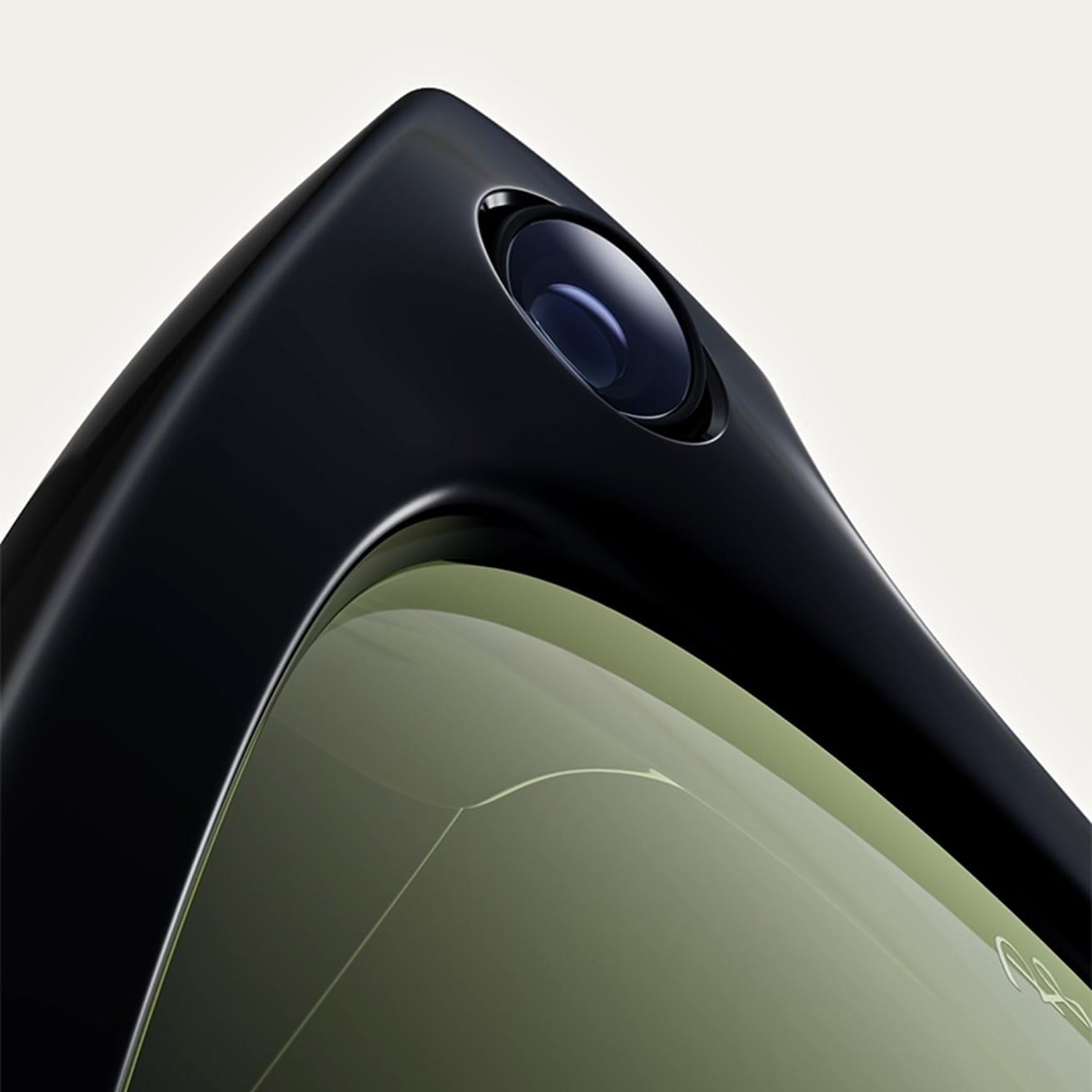
Capture, connect and create, hands-free.
Stay in the moment without taking yourself out of it. Dynamic photo automatically captures multiple frames and recommends the
best one to help you choose your favorite. Meta AI can even record moments and create stunning highlight videos. Just say “Hey
Meta, start autocapture” during a concert, exploring a new city or hanging out with friends.
Translate conversations in other languages in real-time
With live translation, seamlessly explore new countries or connect with people who speak different languages. Converse in real-time
between French, Italian, Spanish, English, Portuguese, German, and more, Translations are audible through your glasses and visible
as transcript on the Meta AI app, helping you connect effortlessly
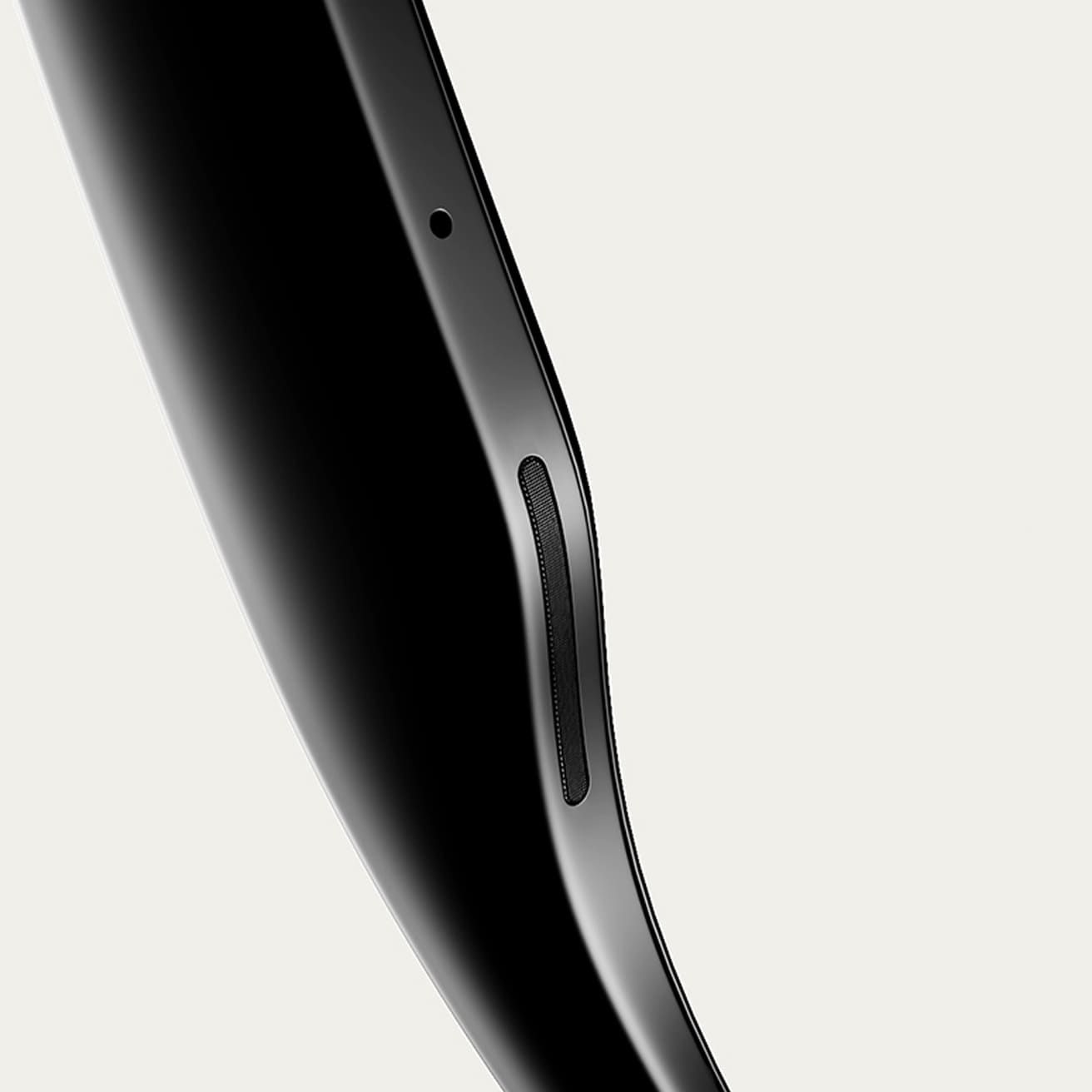
Tune in without tuning out
Speakers built into the arms of the glasses deliver a sound only you can hear, while 5 built-in microphones pick up crisp audio for
calls. Listen to music and more with discreet open-ear speakers that deliver rich, quality audio without blocking out conversations
or the ambient noises around you.

Effortlessly connect hands-free
Send texts or voice messages, make phone calls, and take video calls hands-free - all from your AI glasses. It's great for work calls
on the go, sharing epic views while on vacation, or video calling your parents to make sure you're getting that family recipe just
right.
Experience ultimate freedom of movement and self-expression with Transitions® dynamic lenses with Ray-Ban Meta. They seamlessly adapt to changing light, darkening outdoors when exposed to UV and fading back indoors. Feel confident in your AI glasses in any light with continuous vision performance and style.
All-day audio, available with your prescription. Introducing Ray-Ban Meta Audio glasses, completely redesigned and reimagined for all-day wear. Get up to 12 hours of battery that keeps up with you from morning to night. Take a call on your commute, ask Meta AI to play your favorite music, or set a reminder in the moment. With open-ear speakers, you can tune in without tuning out. You can even stay present in any light with optional Transitions® lenses. Wherever the day takes you, you’re ready to make the most of it with Ray-Ban Meta Audio.
1 | Find your perfect pair
Discover our range of Ray-Ban Meta frames and select your favorite.
2 | Select your lenses
Choose your lenses, add your prescription, and sync your insurance anytime.
3 | Personalize your lenses
Select lens type and thickness, and add lens treatments like Transitions® lenses.
4 | Complete your purchase
We ensure 100% satisfaction with our 30 day happiness guarantee.

Iconic styles, redefined with Meta AI
Two iconic frames have joined the Ray-Ban Meta collection. Aviator brings a timeless silhouette into the future and Zena offers a bold new cat eye style.

Tech that blends in. Style that stands out.
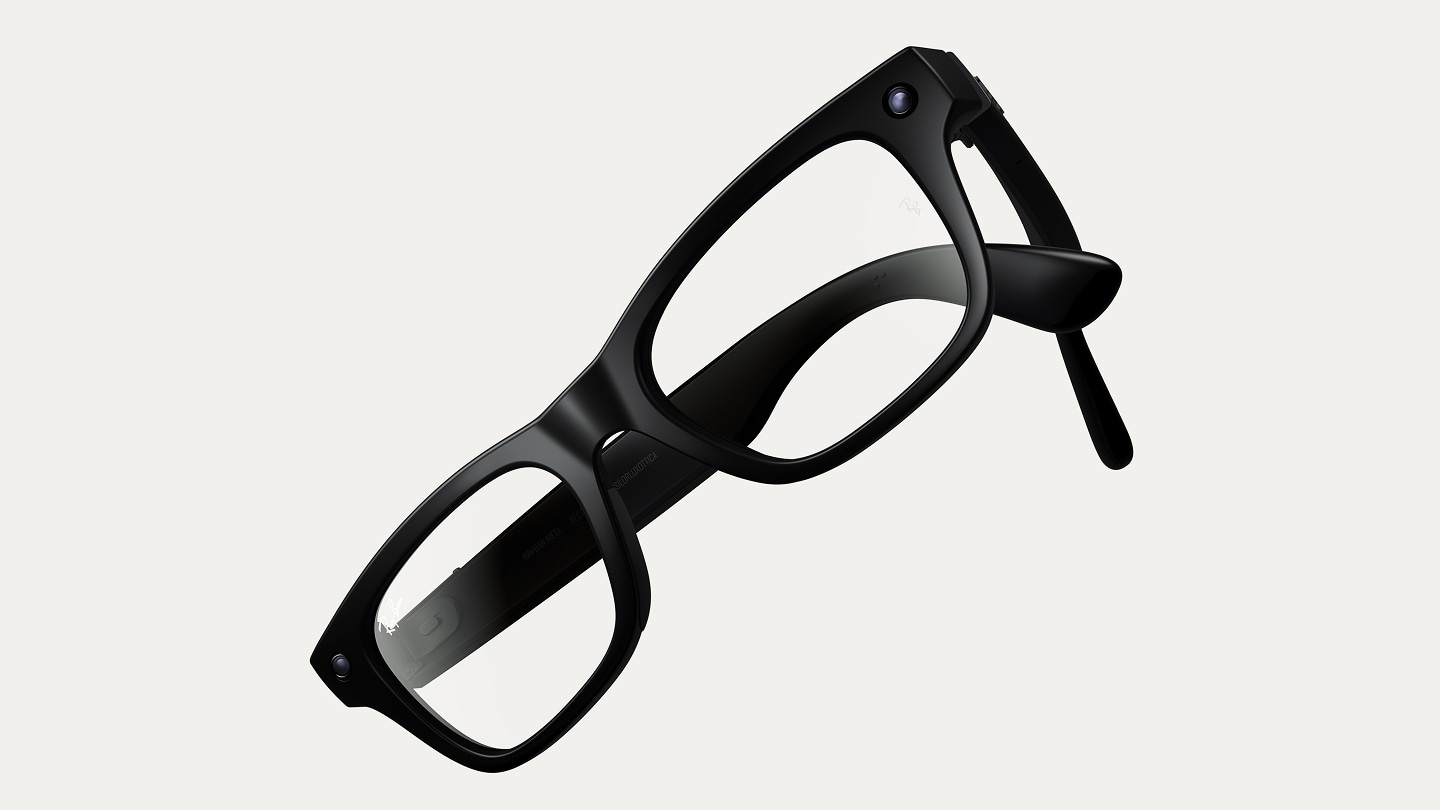
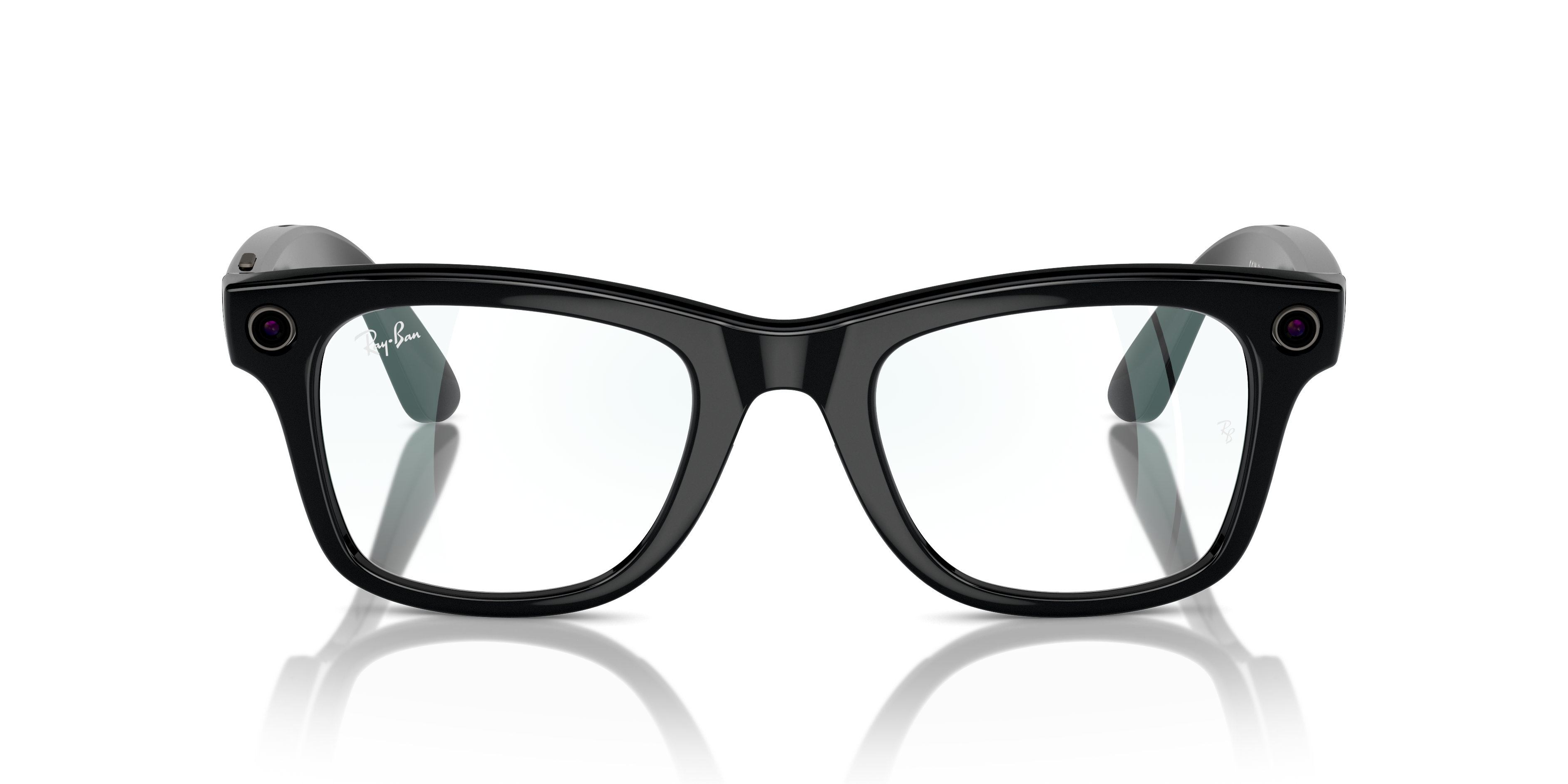
Wearing Ray-Ban Meta Audio feels identical to the classic frames you love. With tech that blends in seamlessly with the frames, you can enjoy the full power of Meta AI and open-ear audio all day.
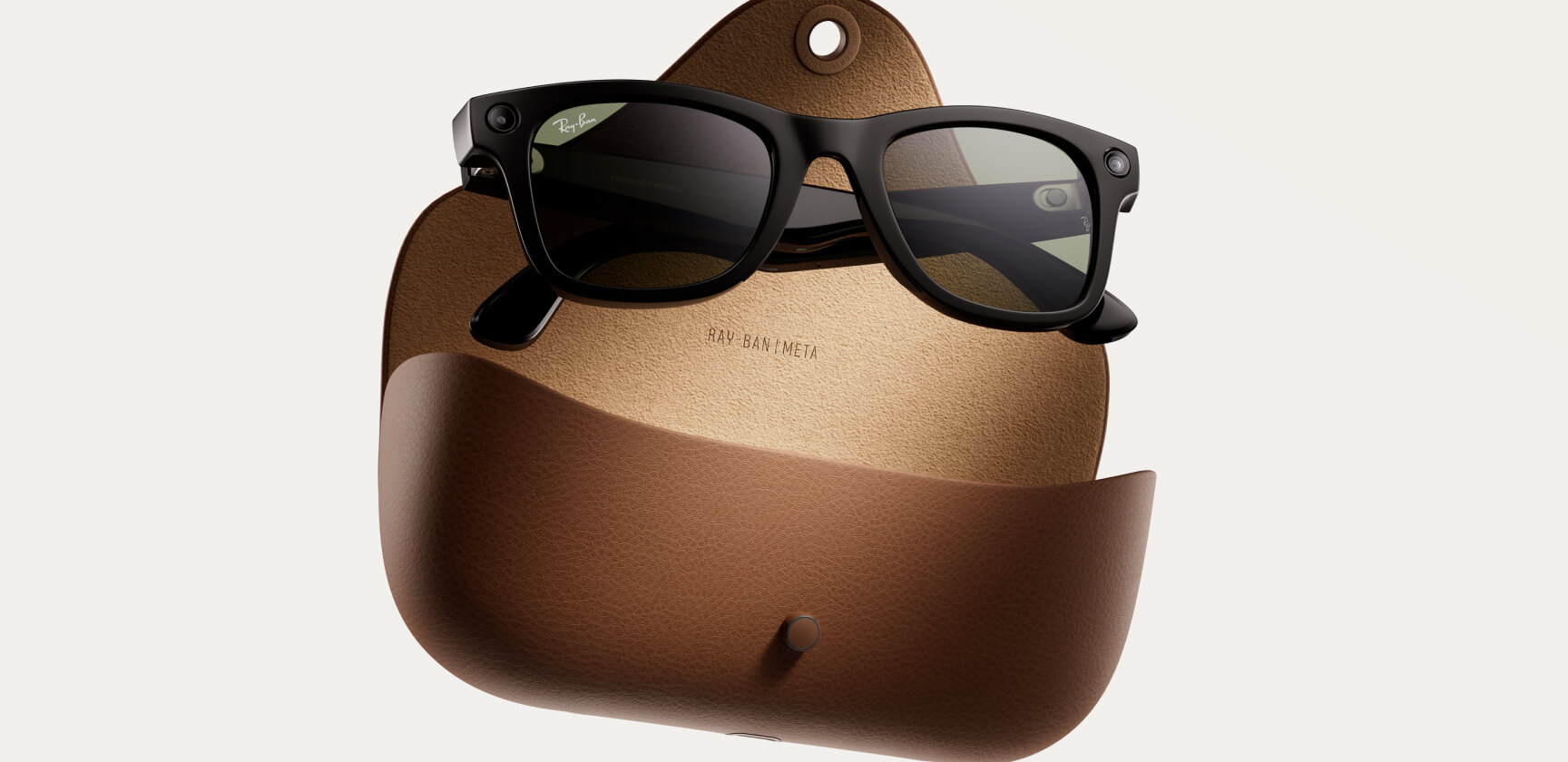
Better charge and battery life
Spend more time living and less time charging. Focus on your day without interruption thanks to eight hours of battery, plus a portable charging case, now with up to six charges.*
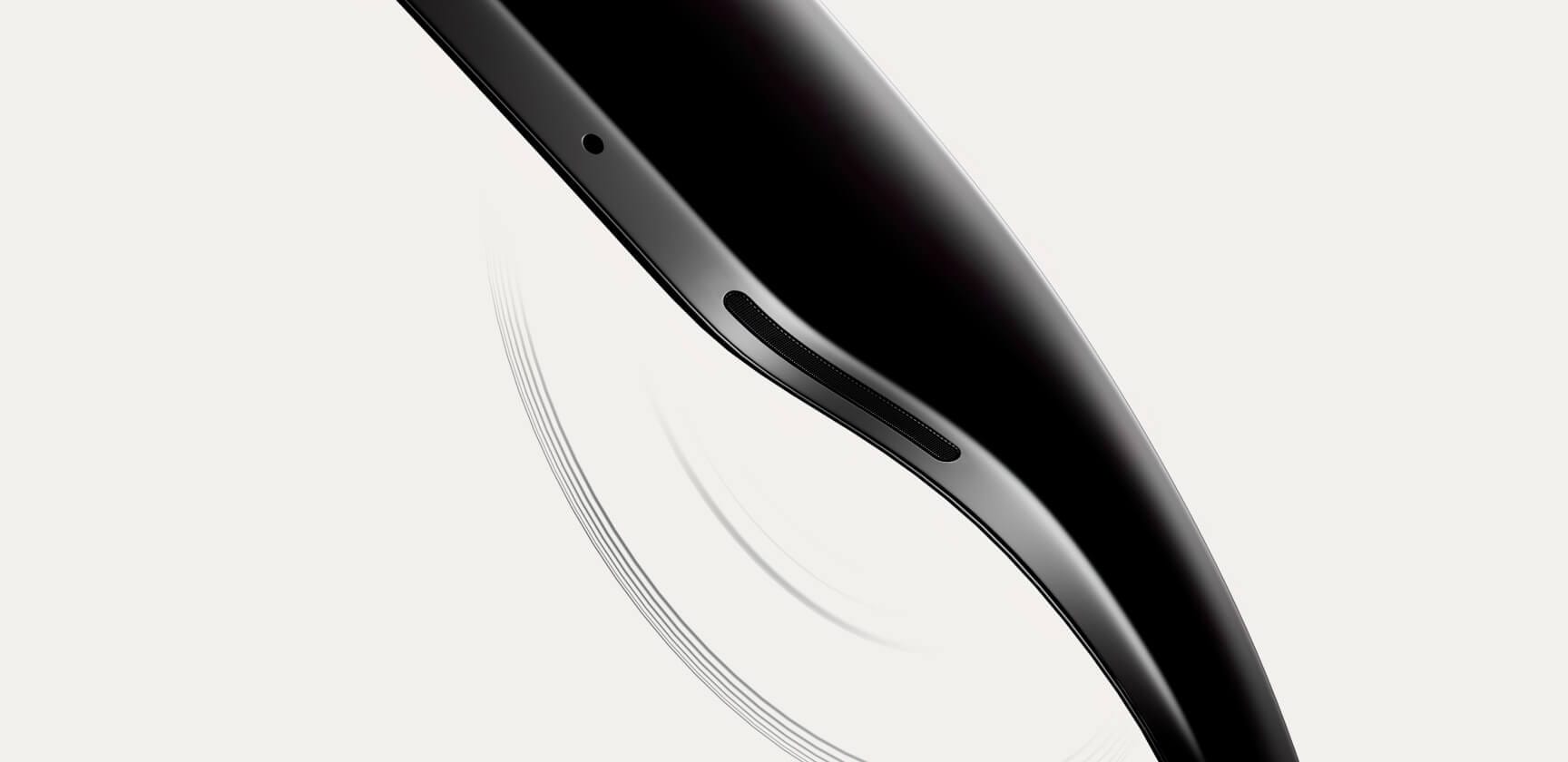
Voice command
Unlock a range of hands-free possibilities and stay connected to what matters. Call and message, capture content, and manage media settings – with your phone in your pocket.

Touch control
Play your music, activate the camera, or connect with someone – all in a single touch with the hyper-responsive touchpad and capture button.
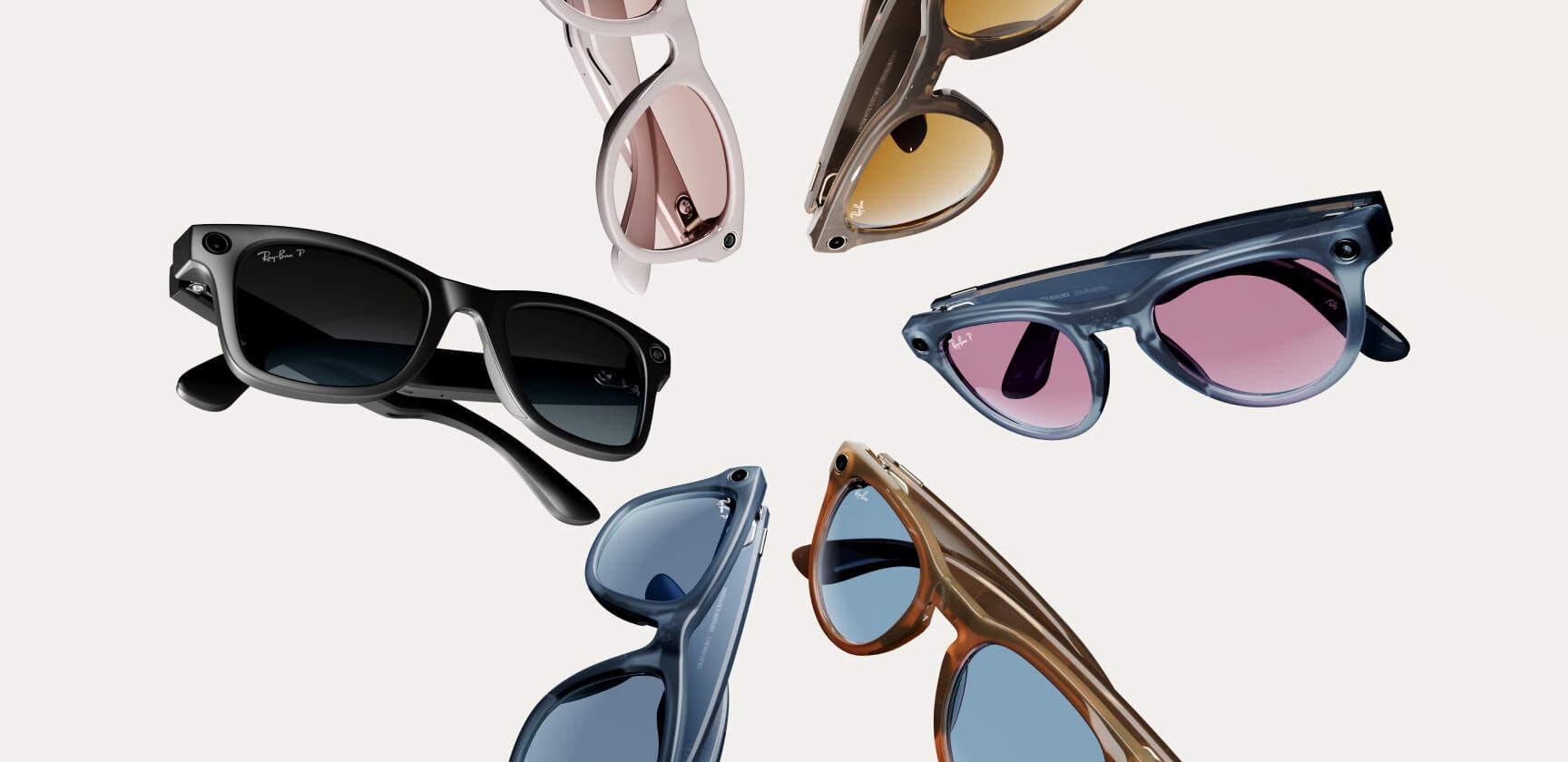
Select your colors
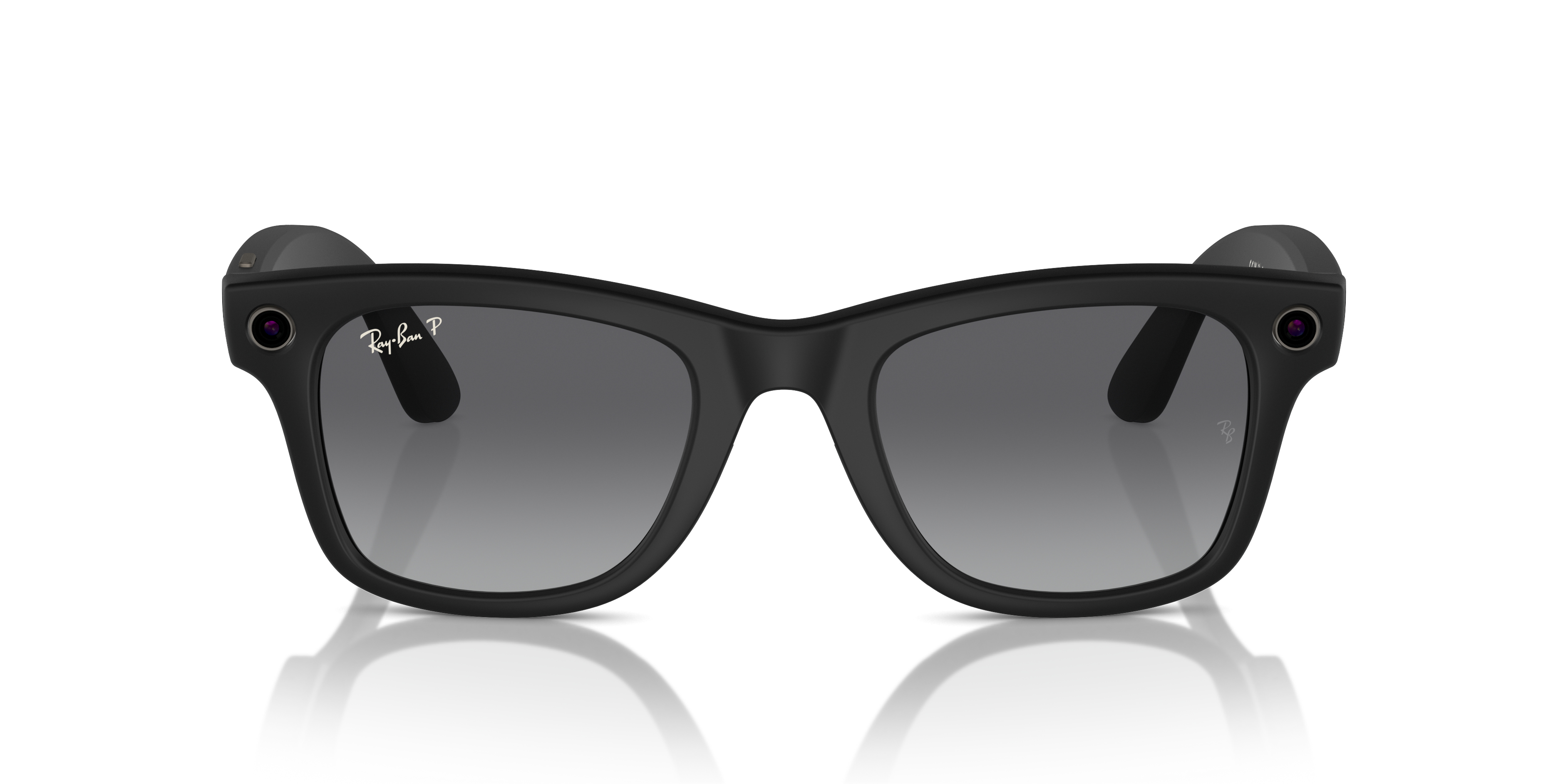
Choose from an original frame and lens palette featuring timeless classics and bold new tints exclusive to the Ray-Ban Meta collection.
See what’s been added and enhanced in the new collection.
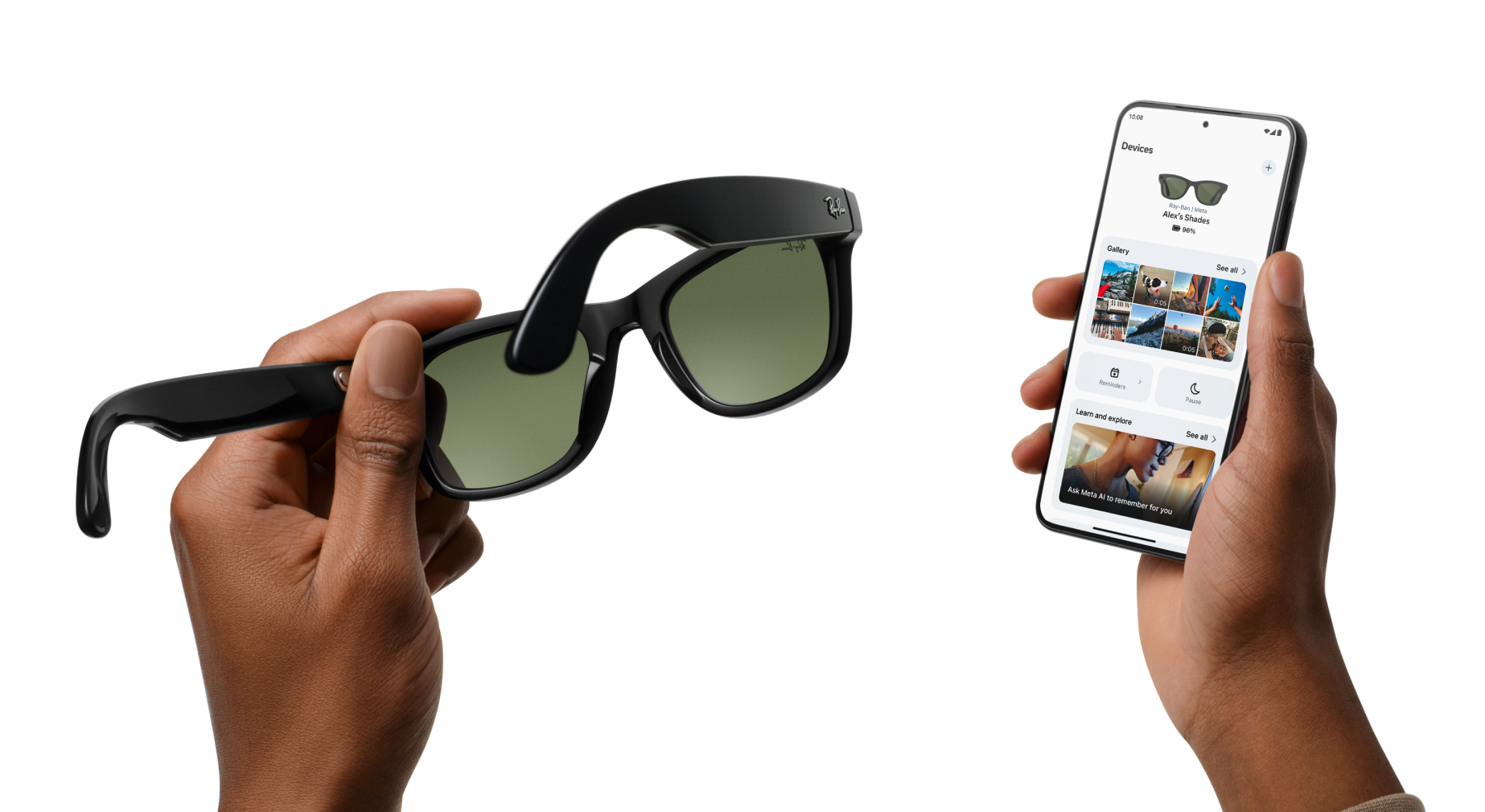
Manage your glasses and customize settings, import and share photos, and interact with your personalized Meta AI* assistant seamlessly across your glasses and the app. Learn about features and see how others are getting the most out of Meta AI through the feed.
*Certain Meta AI features only available in select countries and languages.


Pick up in store
Shop online and pick up for free at your nearest store. You can select this shipping method at checkout.

Help getting started
Our expert team will set up your glasses for you and provide free aftercare in store.

Demo glasses in store
We’ll guide you through all the latest features with our dedicated interactive app.
Meta account and Meta AI app required. For ages 13+ only. Requires compatible phone with Android or iOS operating system plus wireless internet access.
RAY-BAN META
Certain Meta AI features only in select countries and languages. Please check local availability. Meta account and Meta AI app required. For ages 13+ only. Requires compatible phone with Android or iOS operating system plus wireless internet access. Features, functionality and content are subject to change or withdrawal at any time. Additional account registration, terms and fees may apply. Software updates may be required. Performance may vary based on user location, device battery, temperature, internet connectivity and interference from other devices, plus other factors. User must comply with all applicable local laws and regulations, especially relating to privacy. May interfere with personal medical devices. Check manufacturer Safety & Warranty Guide and FAQs for more product information, including battery life.
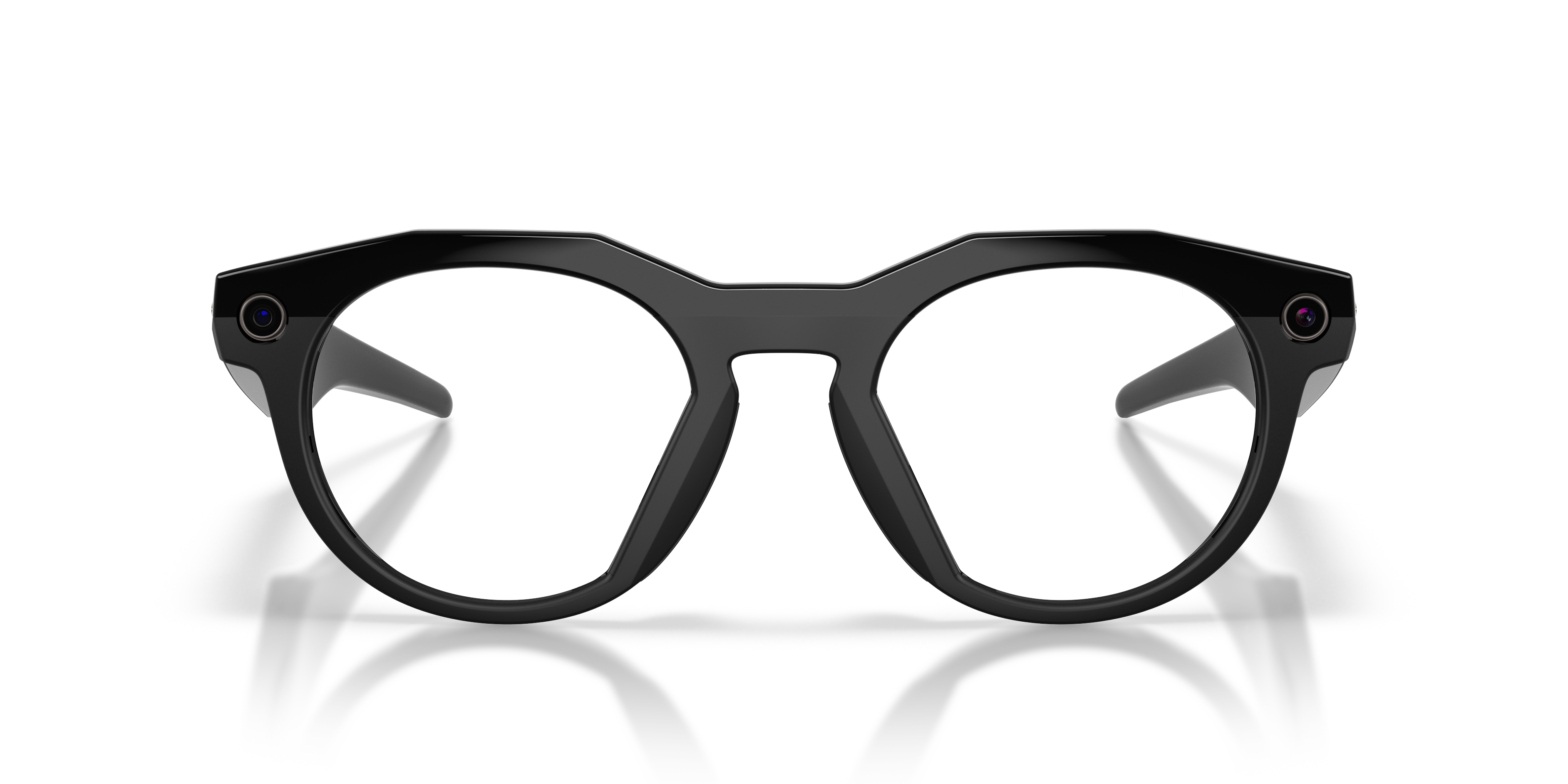
Luxottica is the manufacturer of Ray-Ban Meta and Oakley Meta Glasses and any information you provide to Luxottica in connection with your purchase of Ray-Ban Meta and/or Oakley Meta Glasses is subject to Luxottica's terms and policies.
Luxottica shares information with Meta and receives information from Meta to manage your customer service requests related to Ray-Ban Meta Glasses and/or Oakley Meta Glasses. For example, Luxottica may share, with Meta, your name, email address and information about the issue you are experiencing, and in turn, Meta may share information, with Luxottica, to help resolve the issue.
Luxottica does not collect information directly from your use of Ray-Ban Meta Glasses, Oakley Meta Glasses or the App.
The serial number on Ray-Ban Meta Audio can be found in two places:
• In the Meta AI app:
1. Tap Devices (glasses icon).
2. If you have multiple devices paired with the Meta AI mobile app, swipe left or right to select the device you want.
3. Tap Settings.
4. Tap General.
5. Tap About.
a. The glasses serial number is listed below Serial number.
b. The case serial number is listed below Case serial number.
• Printed on the inside of the left temple of the glasses
• Ray-Ban Meta Audio will support both Rx and non-Rx lenses.
• Lens options include clear, sun, sun polar, and Transitions®.
- Lens options may be limited by choice of frame style and color.
Ray-Ban Meta Audio has a configurable action button, which you can customize in the Meta AI mobile app.
• Once you’ve set up the action button, you can press it at any time to trigger the selected action.
• You can change the action button configuration at any time from the Meta AI mobile app.
How to configure the action button:
1. From the Meta AI mobile app, tap the glasses icon.
2. If you have multiple devices paired with the Meta AI mobile app, swipe left or right to select the device you want.
3. Tap Settings.
4. Tap Customize controls.
5. Tap Action button.
6. Select the action you want to configure the action button for.
a. Some actions, like live translation or quick connect, may require additional steps to set up.
• Temple tips can be adjusted to improve fit.
• Temple tip adjustments should only be performed by an optician.
• On Ray-Ban Meta Audio Clubmaster, each nose pad can be adjusted to one of three positions with a small amount of
pressure, ensuring a secure, customized fit for various nose bridges and face shapes.
• On Ray-Ban Meta Audio Burbank, the nose pads are swappable and come in three sizes: Low Bridge Fit, Universal Fit,
and High Bridge Fit.
- One of each size is included with the glasses. The Universal Fit will be pre-attached to the glasses.
- There is a tool included with the glasses for replacing the nose pads.
1. Insert the tool near the mic hole to pry off.
2. To replace, match left/right nose pads and align mic holes.
3. Press until you hear a click, then check the fit.
• Glasses provide up to 12 hours of mixed use with a full charge.
• Charging case provides another 48 hours with a full charge.
Troubleshooting for Ray-Ban Meta Audio will be the same as with similar displayless AI glasses. For troubleshooting steps,
see Troubleshoot Displayless AI Glasses.
• Ray-Ban Meta Audio does not have a camera, so camera troubleshooting will not apply.